
Start playing
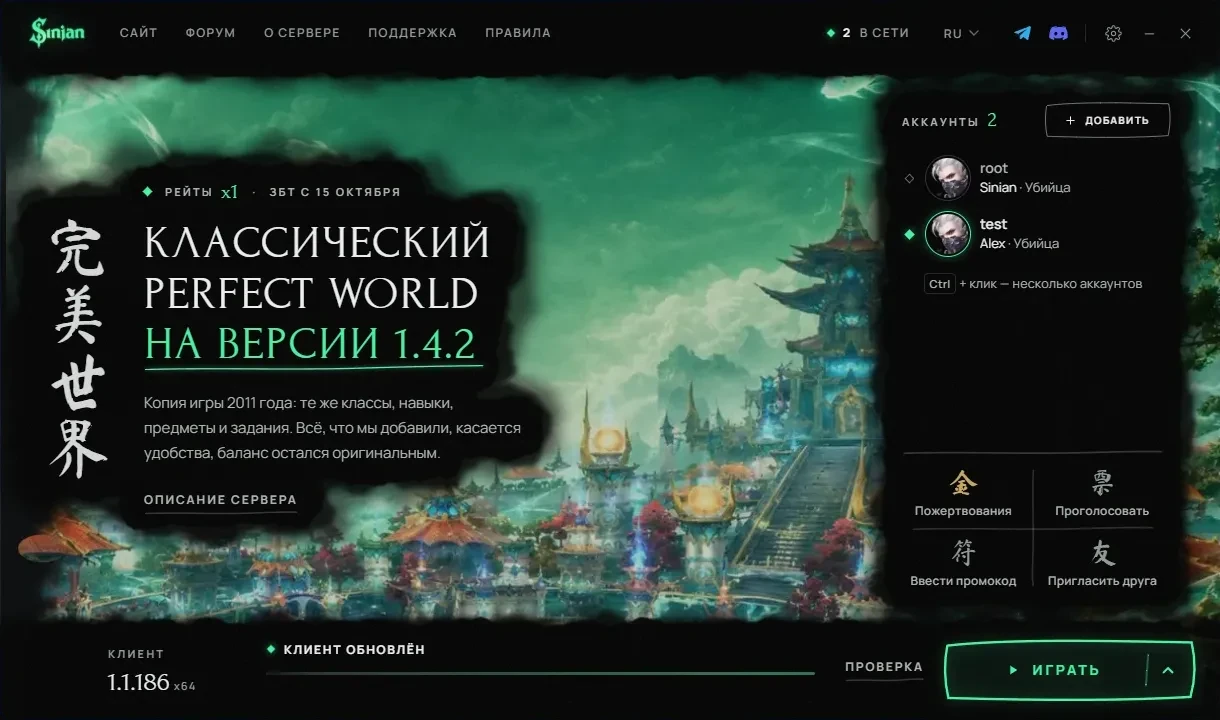
The Perfect World 1.4.2 you remember, now with a handy launcher. Everything below goes in order, from sign-up to your first login.
-
01
Create a game account
A login, a password and an email for recovery. The same account works in game and in your account area.
-
02
Download the launcher
The launcher downloads the client, checks the files and keeps the game updated. There is no separate client download.
SHA-256dfa50227f1587cbb1cf9d6ea7fe0e7f5b89768edbfd4d0ac4888555d13d4d681SmartScreenWindows may warn about an unknown publisher: the project has no paid code-signing certificate. Compare the file checksum with the one above.
-
03
Pick a folder
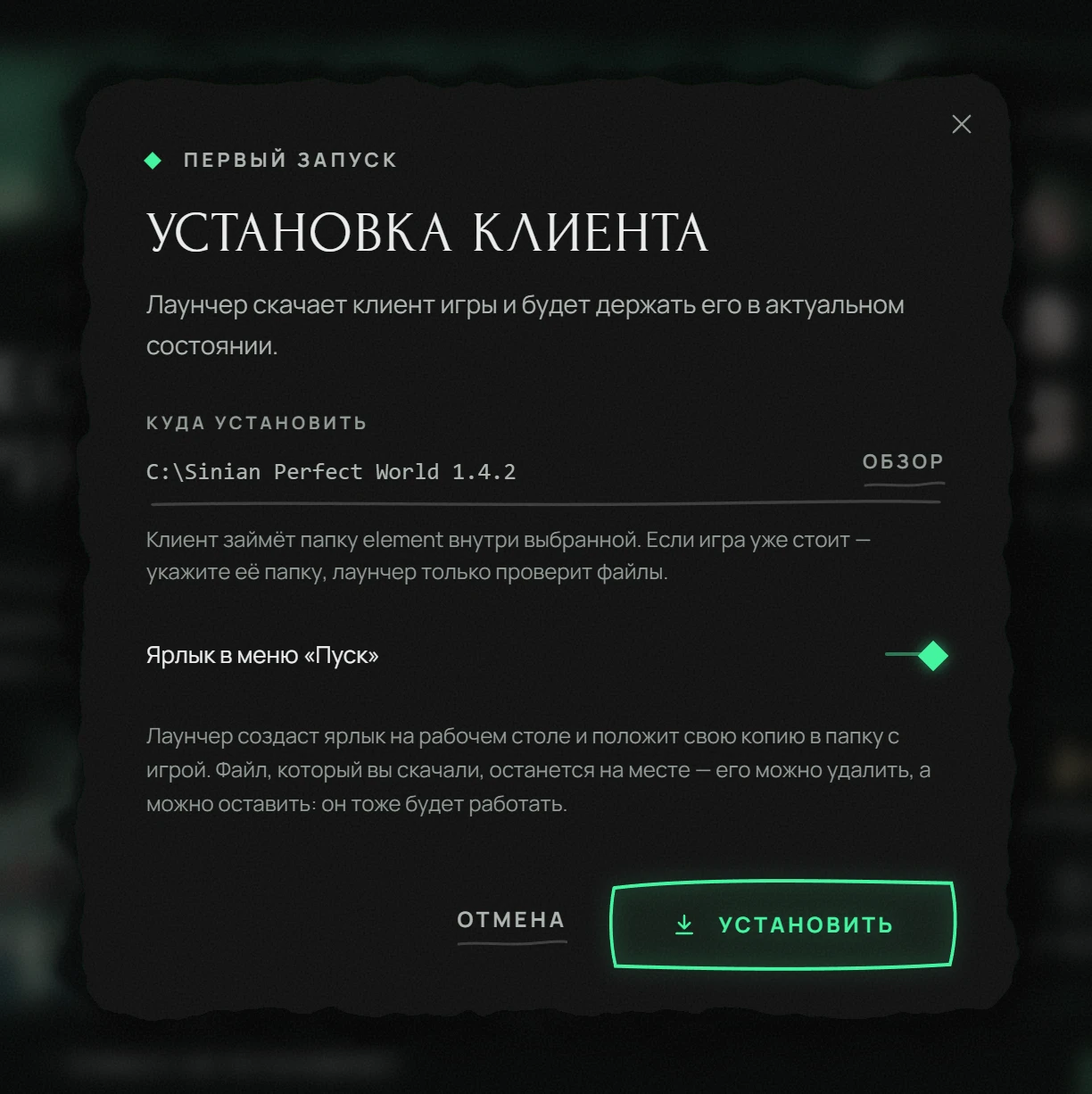
Run the launcher. On first start it suggests a folder for the game, usually at the root of a disk. You can pick any other folder with room for the client. The launcher makes a desktop shortcut and a copy of itself in the game folder, so the downloaded file can be deleted afterwards.
ImportantUse only Latin characters in the path: a 2011 client does not understand others. Do not install into Program Files: Windows will not let the game write there without admin rights.
-
04
Check your system
The game needs DirectX 9 and current graphics drivers. Usually both are already installed. If the game will not start, begin with this step.
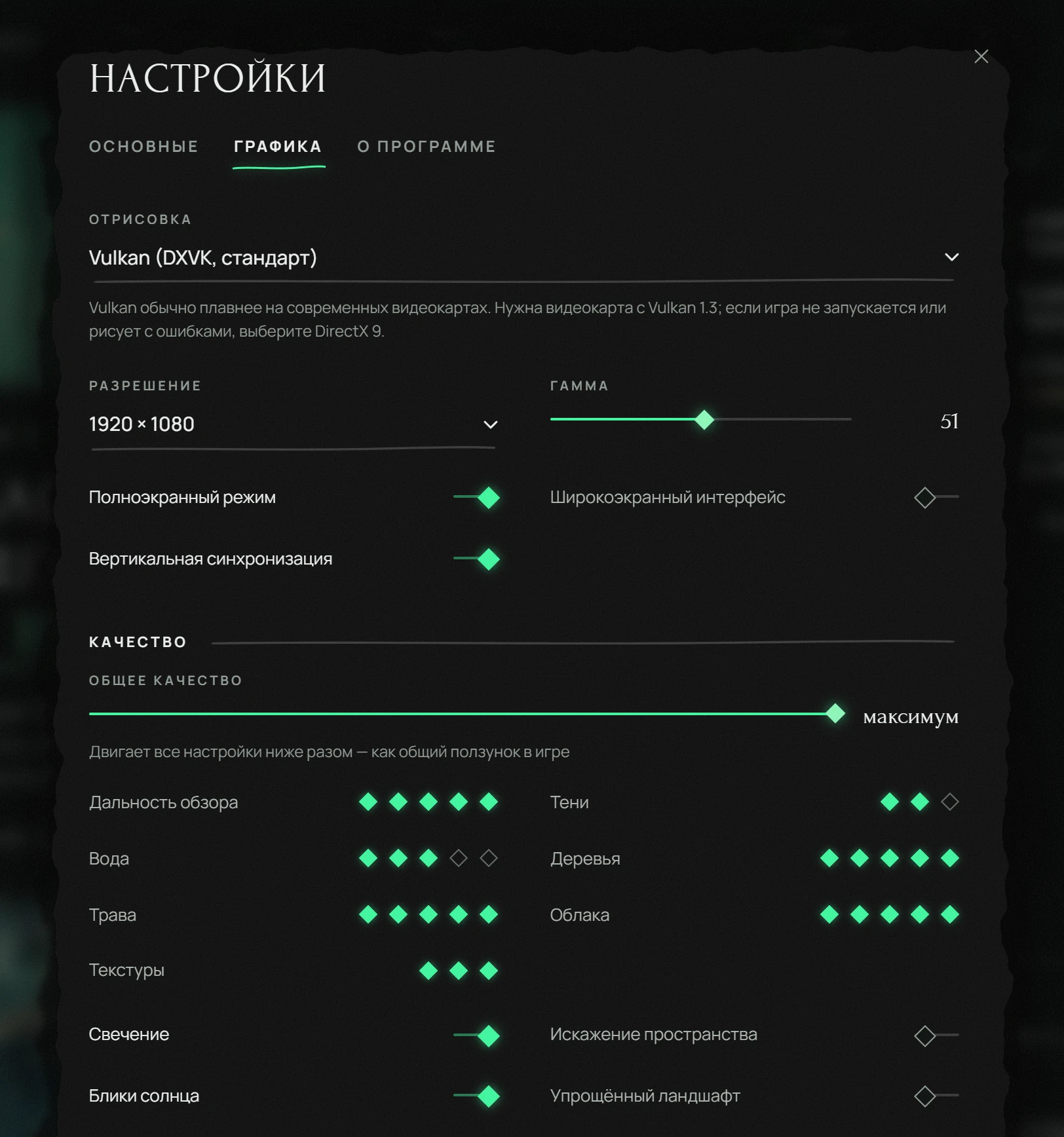
VulkanThe launcher settings can switch graphics to Vulkan: it is smoother on modern graphics cards. If the game draws with glitches, switch back to DirectX 9.
-
05
Log in
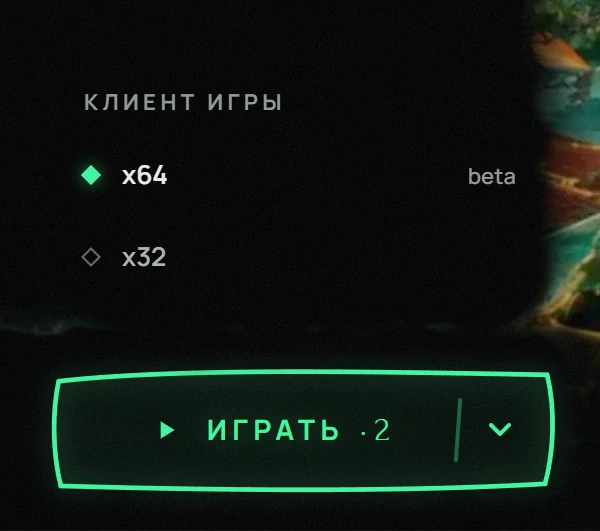
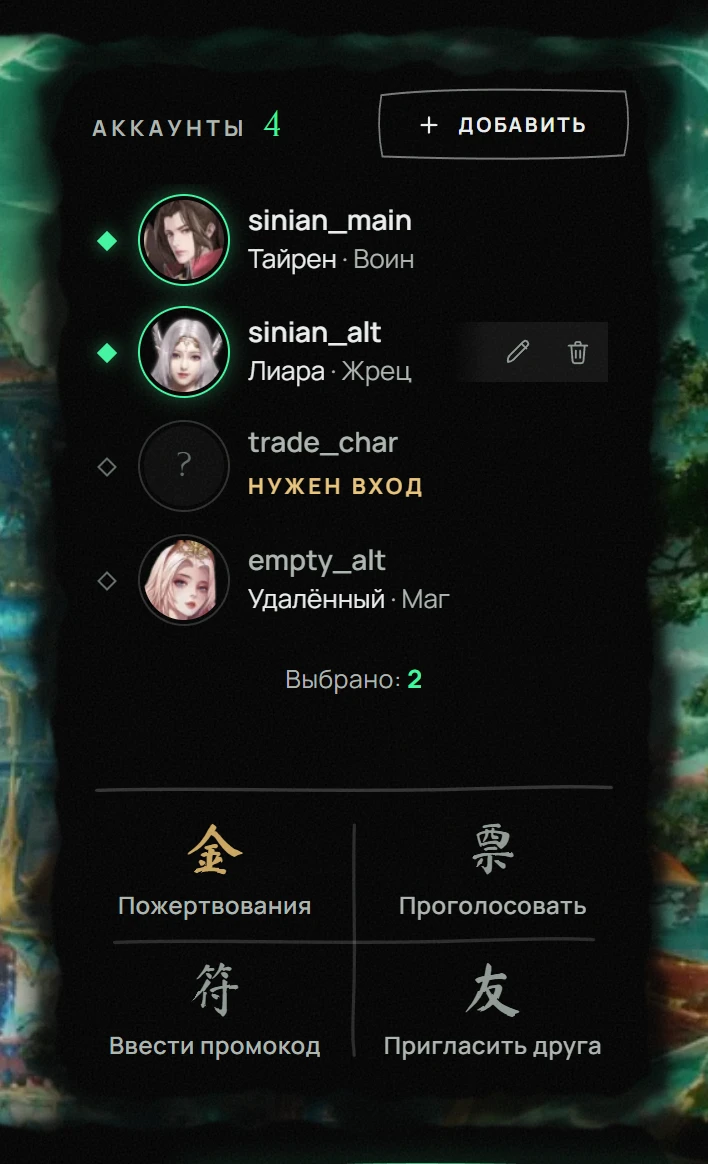
Add your account to the launcher once, then it is a single click. The launcher also opens several windows for you.
System requirements
| Minimum | Recommended | |
|---|---|---|
| OS | Windows 10, 64-bit | Windows 10 or 11, 64-bit |
| CPU | Dual core, 2 GHz | Quad core, 3 GHz |
| RAM | 2 GB | 8 GB |
| Graphics | Anything with DirectX 9 | Discrete, 2 GB or more |
| Disk | 15 GB free | 20 GB on an SSD |
| Internet | 5 Mbit/s | 50 Mbit/s |
Almost any current computer is enough for a 2011 game. What matters is disk space.The client takes about 11 GB, plus room for updates.
If something goes wrong
- 01Antivirus removed the launcher
The launcher replaces game files, and antivirus software sometimes takes that for a threat. Add the game folder to its exclusions.
- 02The download keeps breaking
The launcher resumes where it stopped. Run the update again.
- 03The game will not start
Press Verify in the launcher: it rechecks every file and replaces the damaged ones. It takes longer than an update and fixes almost everything.
- 04Not enough disk space
The client needs about 11 GB plus room for updates. Pick a drive with more space.
Still stuck?
Tell support which step you got stuck on and attach a screenshot.